CPA and Bookkeeping Dallas AlternativeAccessibility
This site aims at WCAG 2.1 level AA. If something blocks you, call the phone in the footer.
What that standard means here
Body text is aimed at a contrast of four and a half to one. Enlarging the type to twice the set size still leaves the lines readable. Keyboard users meet a skip link before the menu. The heading levels follow the order of the page. Each field shows its own label. The focus ring stays visible on the control you are on. Pictures have alt text that says what they show. You can move through the page by keyboard in the same order you read it.
The month line works without JavaScript, as a list you can open. If your device asks for less motion, the motion stops. The home clip plays muted, and it stops when the device asks for less motion. Nothing flashes.
This page is dated 5 October 2026. If a later pass changes the layout, the date moves with it.
How to move through a page
Tab from the top. The first stop is a skip link, and it jumps to the main writing. After that you meet the name of the site, then the menu, one page name at a time. The headline comes next, then the first sentence, then the button or the form.
On a wide screen the home puts the form in a column beside the headline. Each field has its own label, and the label stays visible. You can leave email blank. The size of the business and how current the books are sit on the lower form, not on the first card. Interior pages open with a heading, one line, a picture, and a button, then the writing runs as cards with links beside them.
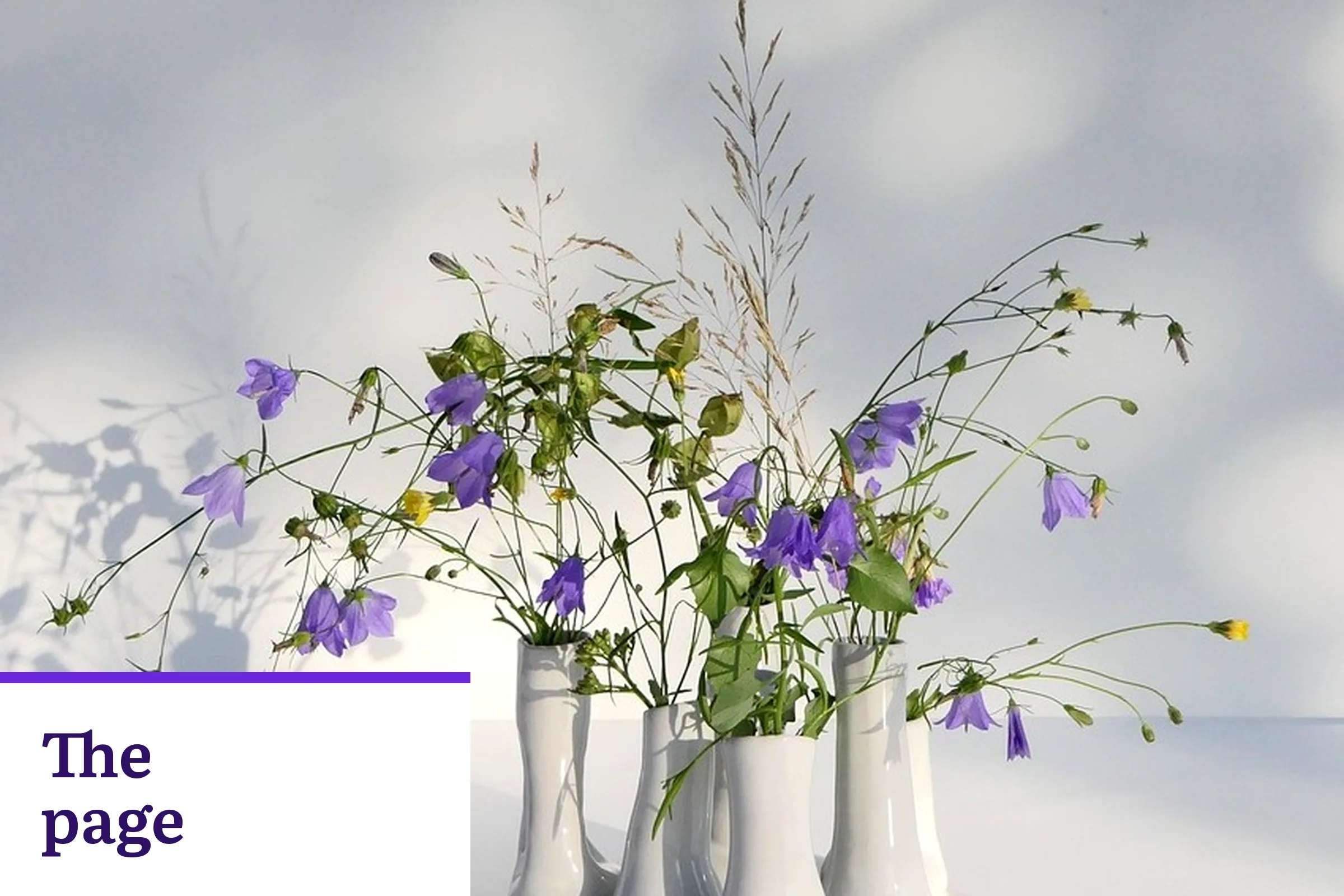
Pictures sit beside the writing they belong to. The alt text says what the picture shows, in the same words a person would use. The portrait on the meet page is a photograph of Steven Palmieri. Other pictures are built on photographs of a grackle at Fair Park, the Hall of State at Fair Park, the Deep Ellum water tower, blossoms at Fair Park, bronze cattle at Pioneer Plaza, a spiral notebook, a phone on an open notebook, a fountain pen nib, a black pen, colored paper, a stack of paper, a lined notebook with a leaf print, carnations in a glass pitcher, purple flowers in white vases, and white tulips, plus four drawings made for this site, a closed laptop and one folder, a printed payroll summary with a pen, one closed file, and coffee beside a closed ledger at a window, with large words set beside the photo. They carry no tiny caption and no digits. Each composed picture uses its own photograph, and a second page does not crop that same file again.
A chat chip sits at the bottom left and says Say hello. The corner it occupies is kept clear of links. If the chip is in your way, the phone in the footer reaches the same practice.
On a phone
The first screen is the name of the site, then one Menu row, then the headline, one sentence, and one button. The Menu row opens into one link per row. The form waits further down. Buttons stretch the width of the screen so they are easy to hit. The month control's button sits clear of the chat corner.
The month line is a list you can open with a finger or a key. Every month starts closed, including the first one. A tap or the Enter key opens that month, and the answer sits under the same row. If your phone asks for less motion, the month simply opens and closes with no slide.
Type is set at a size you can read without pinching. If you zoom, the page grows in one column and does not ask you to scroll sideways. The same order holds on a wide screen, with the form beside the headline on the home.
How to tell us
Services on this site are provided by Steven Palmieri, Dallas, Texas. Where a control or a line can be changed, we change it. Call +1 844-324-7273 and tell us which control or line got in your way.